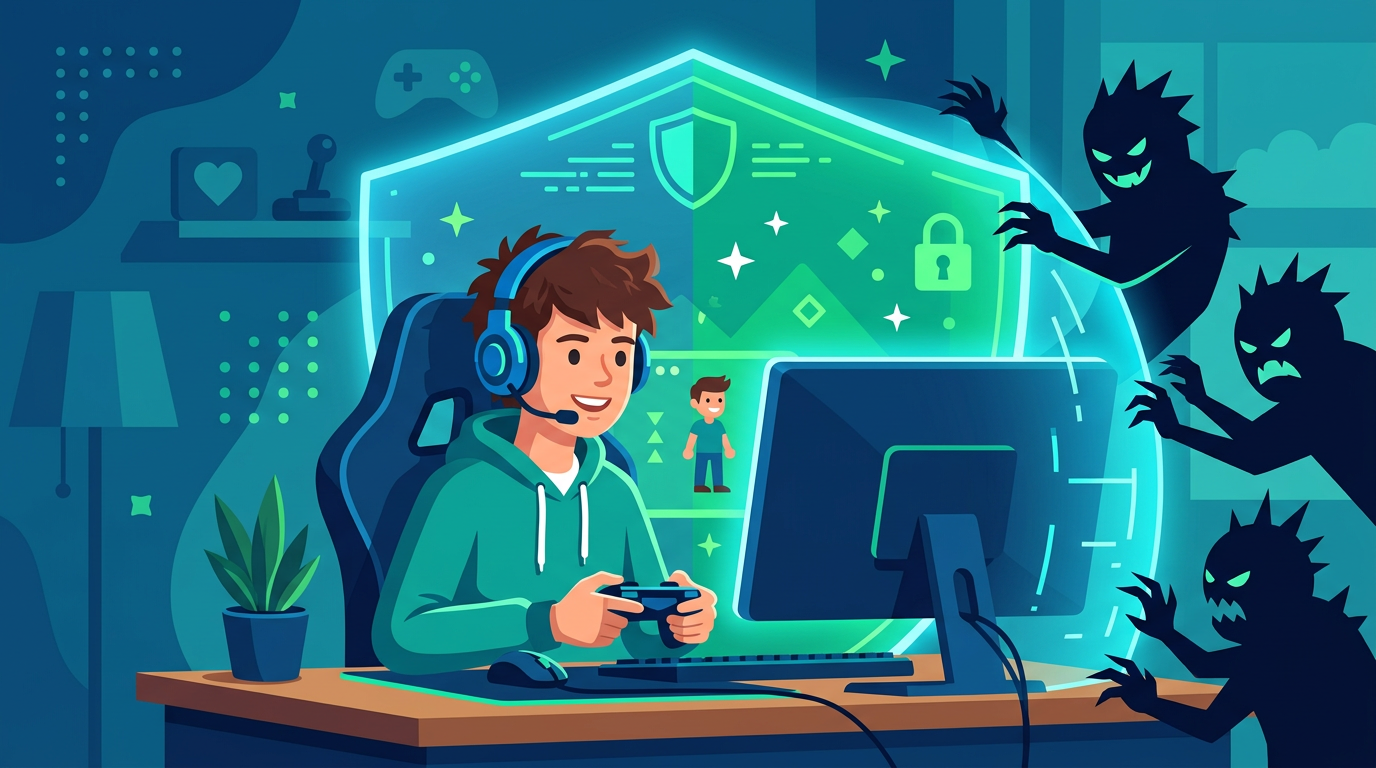
For millions of children and teens, online multiplayer games are more than entertainment -- they are social spaces where friendships form, teamwork is practiced, and creativity thrives. Games like Fortnite, Roblox, Minecraft, and Apex Legends bring players together from around the globe in real time.
But those open, connected worlds also introduce risks that many parents don't fully understand. Voice chat with strangers, unsolicited friend requests, in-game purchases, and exposure to toxic behavior are everyday realities of modern gaming. The good news is that with the right knowledge and a few proactive steps, you can help your child enjoy gaming safely.
Understanding the Landscape
How Kids Communicate in Games
Today's multiplayer games aren't the solo experiences many parents grew up with. Most feature multiple communication channels:
- Voice chat allows players to talk in real time using headsets or microphones. In many games, this is enabled by default.
- Text chat lets players type messages during gameplay or in lobbies.
- In-game messaging and friend systems allow players to send private messages and add contacts, much like a social network.
- Third-party platforms such as Discord are commonly used alongside games to organize groups and chat outside the game itself.
Each of these channels can expose children to inappropriate language, bullying, manipulation, or contact from adults with harmful intentions. Understanding which channels your child uses is the essential first step.
Age Ratings Are a Starting Point, Not the Whole Picture
The Entertainment Software Rating Board (ESRB) assigns age ratings to games, and they are worth paying attention to. An "E for Everyone" rating means very different content from a "T for Teen" or "M for Mature" title. However, ratings primarily address the game's built-in content -- violence, language, and themes created by the developer.
What ratings cannot account for is the behavior of other players. A game rated E10+ may have an online community where players use profanity in voice chat or send hostile messages. Always look beyond the rating and research the game's online features before giving your child access.
Key Risks Parents Should Know About
Stranger Contact and Predatory Behavior
Online games are one of the most common spaces where adults attempt to contact children. A stranger sending a friend request or starting a private conversation may seem harmless, but it can be the beginning of a grooming process. Predators often pose as fellow young players, build trust over weeks or months, and gradually push boundaries. Because in-game chat is just another place kids type, AI-enhanced detection that recognizes grooming patterns can flag this manipulation early.
Teach your child clear rules:
- Never accept friend requests from people they don't know in real life.
- Never share personal information -- real name, school, location, phone number, or photos -- with online players.
- If someone makes them uncomfortable, they should leave the conversation and tell a trusted adult immediately.
Toxic Behavior and Cyberbullying
Competitive gaming environments can breed hostility. Trash talk, slurs, threats, and deliberate in-game sabotage (known as "griefing") are widespread in many popular titles. For a child or teen, being targeted by this behavior can be deeply upsetting, even if the aggressor is a stranger they'll never meet.
Watch for signs that your child is experiencing negativity in gaming: sudden reluctance to play, anger or frustration after sessions, or withdrawal from social activities. Many of these overlap with the broader warning signs of cyberbullying parents shouldn't ignore.
In-App Purchases and Loot Boxes
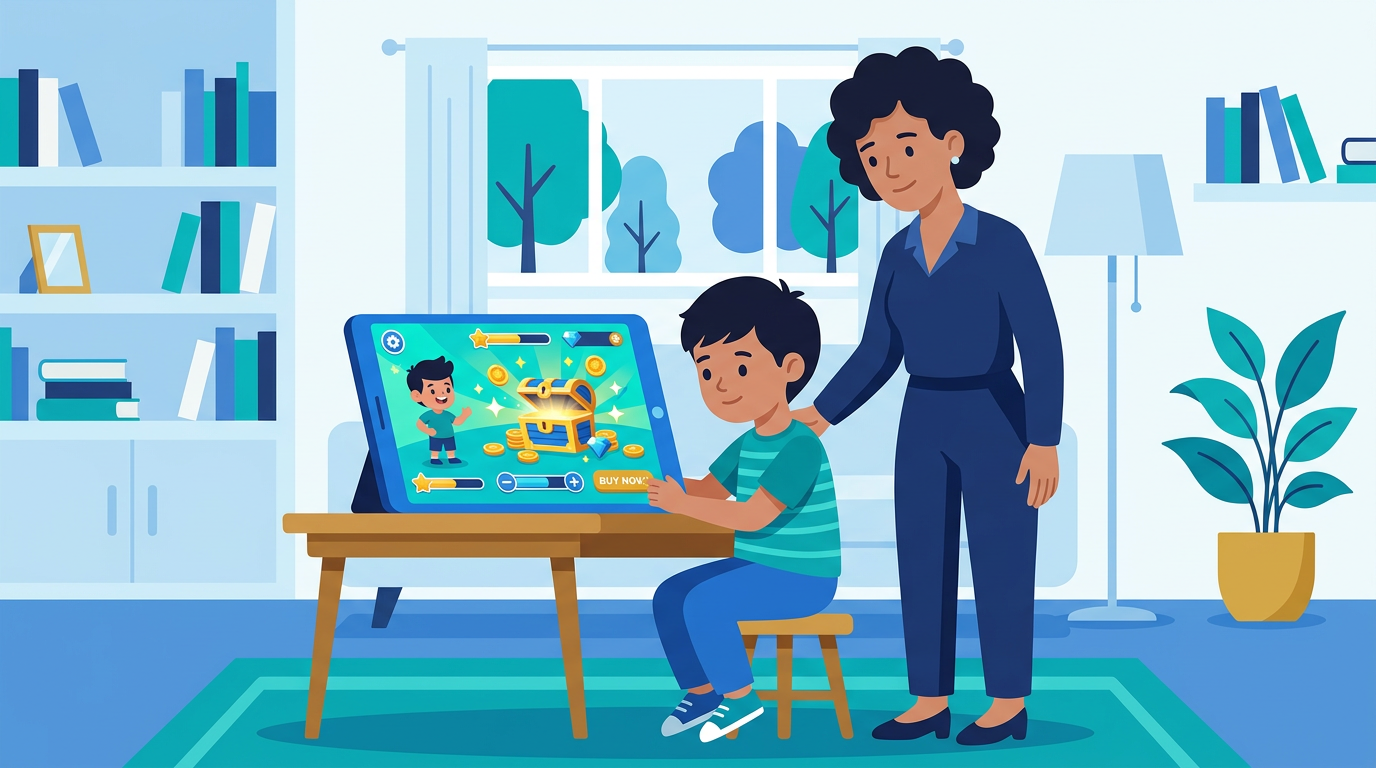
Many games are free to download but monetized through in-game purchases -- character skins, battle passes, loot boxes, and virtual currency. Children may not fully grasp that they are spending real money, especially when transactions are abstracted through virtual coins or tokens. Loot boxes, which offer randomized rewards, raise additional concerns because they mimic gambling mechanics. For scripts and strategies, see our guide on talking to kids about in-app purchases and loot boxes.
Setting Up Parental Controls
Every major gaming platform offers parental controls, and setting them up is one of the most effective things you can do. Here's a quick overview:
- PlayStation (Family Management): Create a child account, set age restrictions, control communication features, and limit spending.
- Xbox (Microsoft Family Safety): Filter content by age, manage screen time, approve friend requests, and set spending limits.
- Nintendo Switch (Parental Controls app): Restrict online communication, set playtime limits, and block age-inappropriate games.
- PC/Steam (Family View): Restrict access to the Steam store, community features, and specific games.
- Roblox (Parental Controls): Enable account restrictions, limit chat capabilities, and use the parental PIN to lock settings.
- Mobile (iOS Screen Time / Google Family Link): Control app downloads, set time limits, and manage in-app purchases.
Take 15 to 20 minutes to explore the parental control settings on whatever platform your child uses. Disable voice chat and messaging with strangers for younger children, and require approval for friend requests when possible.
Building Healthy Gaming Habits
Set Clear Boundaries Around Time
Gaming can be wonderfully engaging, which also makes it easy for hours to slip away unnoticed. Work with your child to set consistent limits that leave room for homework, physical activity, family time, and sleep.
A few practical approaches:
- Use built-in screen time tools to enforce daily or weekly limits.
- Agree on a schedule together so your child feels ownership rather than resentment.
- Avoid allowing gaming in the hour before bedtime -- the stimulation and blue light can significantly disrupt sleep.
Play Together When You Can
One of the best ways to understand your child's gaming world is to join them in it. Play alongside them, watch them play, or ask them to teach you how a game works. This accomplishes two things: it gives you firsthand knowledge of what they're experiencing, and it opens the door to natural conversations about anything concerning they've encountered.
Keep the Conversation Going
Rather than issuing one-time rules, make gaming safety an ongoing dialogue. Ask open-ended questions:
- "Who do you usually play with?"
- "Has anyone ever said something in chat that made you uncomfortable?"
- "What would you do if a stranger asked you to join a private server?"
Children who feel they can talk to their parents without fear of losing their gaming privileges are far more likely to report problems early.
When to Step In
Some situations call for immediate action:
- Your child receives a private message from an unknown adult asking personal questions.
- Someone asks your child to move a conversation to a different platform (a common grooming tactic).
- Your child is being repeatedly targeted with harassment or threats.
- You notice unauthorized charges from in-game purchases.
In these cases, document what happened (screenshots are helpful), block and report the offending user through the game's reporting system, and, if the situation involves a potential predator, report it to the National Center for Missing & Exploited Children (NCMEC) at CyberTipline.org or contact local law enforcement.
Conclusion
Online gaming is a meaningful part of many children's lives, and it doesn't have to be a source of anxiety for parents. By understanding how multiplayer games work, activating the right parental controls, setting fair boundaries, and maintaining open communication, you can help your child enjoy the creativity, teamwork, and fun that gaming offers -- while keeping the real risks firmly in check.
The goal isn't to eliminate gaming. It's to make sure your child has the knowledge and support to navigate these digital worlds safely.