Most adults struggle with password hygiene. We reuse the same handful of passwords, ignore breach notifications, and put off enabling two-factor authentication until it's too late. So it's no surprise that children -- who are creating online accounts at younger and younger ages -- often have even weaker security habits.
But here's the thing: kids are remarkably good at learning systems and following rules when those rules make sense to them. Teaching your child about strong passwords and online safety isn't just about protecting their Roblox account today. It's about building habits that will safeguard their digital identity for the rest of their lives.
Why Password Safety for Kids Matters
Children today have more online accounts than many adults realize. Between school platforms, gaming services, social media, email, and streaming services, it's common for a ten-year-old to have a dozen or more logins. Each one is a potential entry point for someone with bad intentions.
When a child's account is compromised, the consequences can range from annoying to devastating:
- Loss of progress or purchases in games they've invested months into.
- Identity theft, which can go undetected for years because children rarely check credit reports.
- Access to personal information that could be used for cyberbullying, scams, or worse.
- A foothold into family accounts, since kids often use shared devices or family email addresses.
Making these consequences real and relatable is the first step in helping kids take security seriously.
Teaching Strong Passwords by Age Group
Ages 6 to 8: The Secret Code
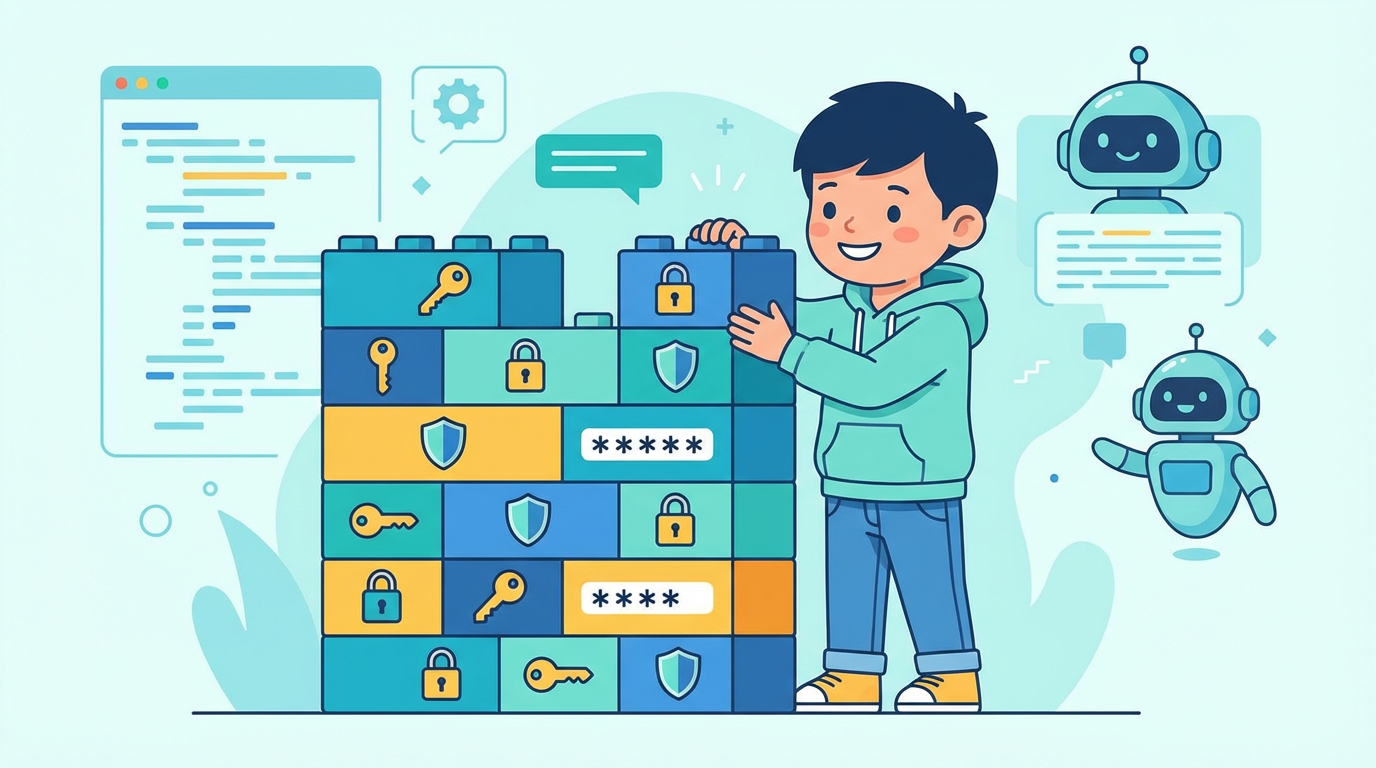
Young children love the concept of secret codes. Frame passwords as their own personal secret code that keeps their stuff safe -- like a combination lock on a treasure chest.
At this age, keep it simple:
- Explain that passwords are private. They don't share them with friends, classmates, or anyone except a parent. Not even a best friend.
- Use passphrases. Instead of random characters, help them create a short, memorable phrase. "MyDogAte3Pancakes" is far stronger than "password123" and much easier for a child to remember.
- Practice together. Let them create a password for a low-stakes account (like a kid-friendly game) and practice typing it. The physical act of entering a password helps it stick.
Ages 9 to 12: Building Real Skills
By this age, children can understand more about why security matters and can start managing their own passwords with guidance.
- Teach the rules of strong passwords. A good password is at least 12 characters long, includes a mix of uppercase and lowercase letters, numbers, and symbols, and doesn't contain easily guessed information like their name, birthday, or pet's name.
- Introduce the concept of unique passwords. Explain that using the same password everywhere is like using the same key for your house, your bike lock, and your locker. If someone copies it once, they can open everything.
- Make it a game. Challenge your child to come up with the strongest password they can. Test password strength together using a tool like "How Secure Is My Password" (howsecureismypassword.net). Watching the estimated crack time go from "instantly" to "thousands of years" is surprisingly motivating.
Ages 13 and Up: Real-World Security
Teenagers are ready for the full picture. They have more accounts, more autonomy, and more to lose.
- Introduce a password manager. Tools like Bitwarden (which has a free tier) or a family plan on 1Password allow teens to generate and store unique, complex passwords for every account without having to memorize them all. Walk them through setting one up.
- Explain two-factor authentication (2FA). Show them how to enable 2FA on their most important accounts -- email, social media, and gaming platforms. Explain that even if someone steals their password, 2FA acts as a second lock on the door.
- Discuss real breaches. When a major data breach makes the news, use it as a teaching moment. "This company just had 50 million passwords stolen. This is exactly why we don't reuse passwords."
Teaching Kids to Spot Phishing
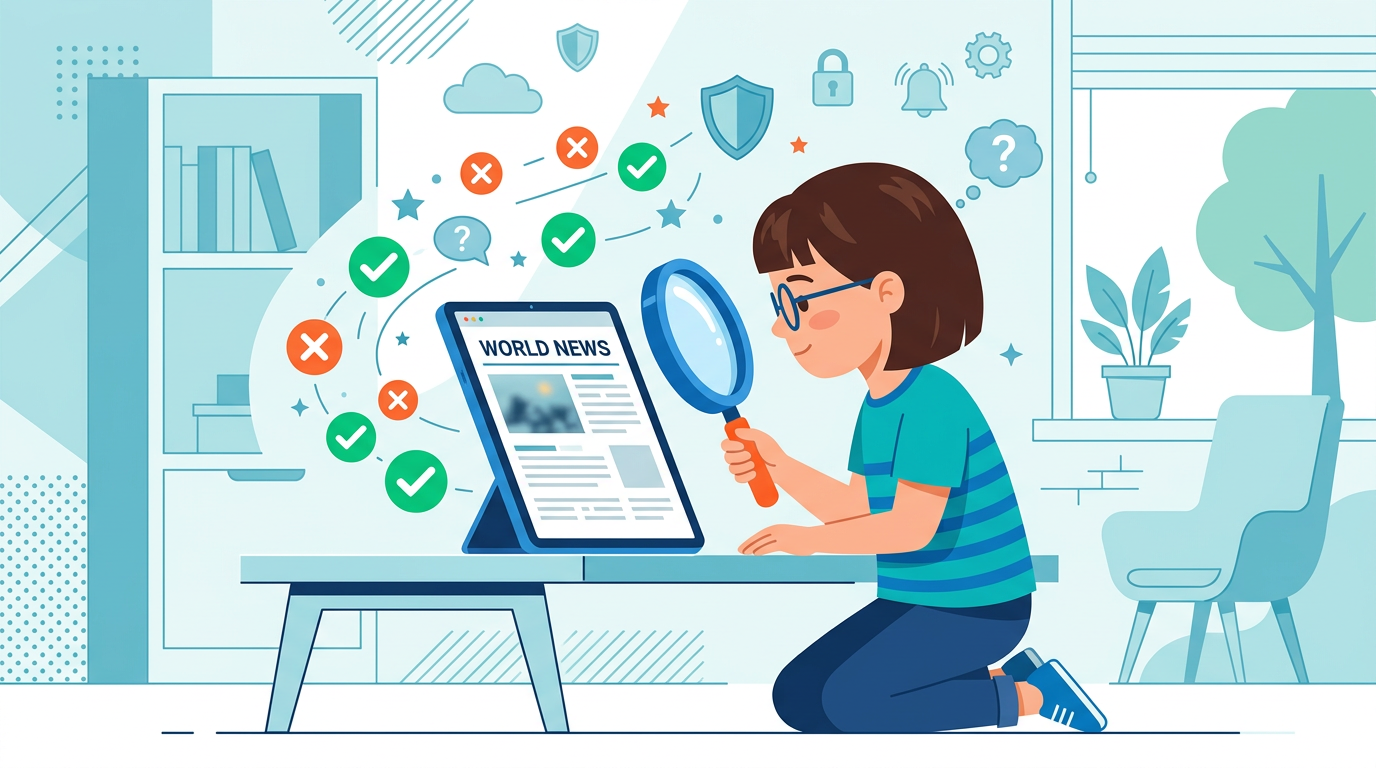
Phishing -- the practice of tricking someone into revealing their login credentials or personal information -- is one of the most common threats online, and children are particularly vulnerable to it.
What Kids Need to Know
- Legitimate companies will never ask for your password via email or message. Not Roblox, not Google, not their school. If a message asks for a password, it's a scam.
- Look at the sender carefully. Phishing emails often come from addresses that look almost right but have subtle differences, like "[email protected]" instead of "[email protected]."
- Don't click suspicious links. Teach your child to hover over links (on a computer) to see where they actually lead. If something feels off, don't click -- go directly to the website by typing the address.
- "Too good to be true" is always a warning sign. Free V-Bucks, free Robux, free gift cards -- these are the most common lures used to phish children. If an offer seems unbelievably generous, it is not real.
Practice Makes Perfect
Consider running a friendly "phishing test" at home. Show your child examples of phishing emails (you can find sanitized examples online) and ask them to spot what's wrong. Turn it into a detective game. The more they practice recognizing the patterns, the more automatic their skepticism becomes.
General Account Security Habits
Beyond passwords and phishing, there are several broader habits worth instilling:
- Log out of shared devices. Whether it's a school computer, a friend's tablet, or a family device, always log out when finished.
- Keep software updated. Explain that updates often fix security holes. An out-of-date app or operating system is an easier target.
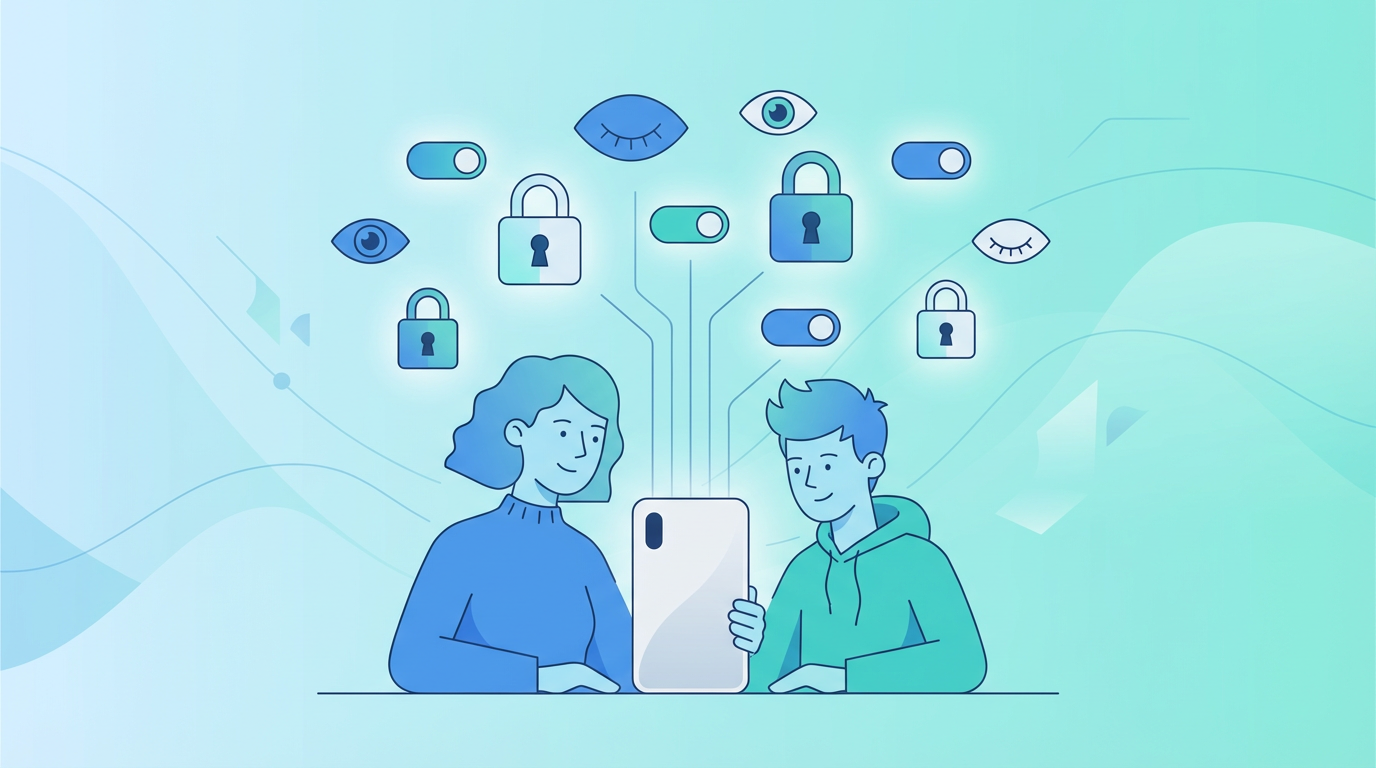
- Be cautious with permissions. When an app or game asks for access to contacts, location, or the camera, pause and think about whether that access is actually necessary. Our parent's guide to social media privacy settings covers how to lock these down platform by platform.
- Review account activity. Older kids can learn to check their account's login history (available on Google, Instagram, and most major platforms) for unfamiliar devices or locations.
- Never download software from untrusted sources. Free game hacks, cheat tools, and cracked software are among the most common ways malware is delivered to young users.
Making It Stick
The biggest challenge with teaching kids about online security is keeping it top of mind. A one-time lecture won't create lasting habits. Instead:
- Revisit the topic regularly. A quick conversation every few months keeps security awareness fresh without being overbearing.
- Celebrate good habits. When your child enables 2FA on their own or recognizes a phishing attempt, acknowledge it.
- Be transparent about your own practices. Tell your child about the password manager you use, or mention when you spotted a phishing email in your own inbox. Modeling the behavior normalizes it.
- Keep the tone positive. Security should feel empowering, not scary. The message is: "You're smart enough to protect yourself, and here's how."
Conclusion
Teaching children about passwords and online safety is one of the most practical forms of digital literacy a parent can provide. It doesn't require technical expertise -- just clear explanations, age-appropriate expectations, and the patience to revisit the topic as your child grows.
Start early, keep it engaging, and remember that the habits your child builds now will serve them for decades. A ten-year-old who understands why "MyDogAte3Pancakes" beats "123456" is already ahead of most adults -- and that's a foundation worth building on.