When a child creates a social media account, most platforms set the defaults to maximize visibility. Profiles are public. Location sharing is on. Direct messages are open to anyone. For a company optimizing for engagement and growth, these defaults make sense. For a family trying to keep a child safe online, they represent a serious and often invisible risk.
Configuring privacy settings is one of the simplest and most effective steps a parent can take to protect their child on social media. It takes minutes, costs nothing, and dramatically reduces exposure to strangers, predators, data collection, and unwanted contact. Yet surveys consistently show that a majority of parents have never reviewed their child's privacy settings.
This guide will walk you through why it matters, how to do it on the platforms your kids are most likely using, and how to build an ongoing privacy-aware mindset in your family.
Why Default Settings Are a Problem
Social media companies are in the business of engagement. The more people who can see, interact with, and share your child's content, the more engagement the platform generates. That is why default settings tend to favor openness over protection.
Here is what that means in practice:
- Public profiles allow anyone -- including strangers -- to view your child's photos, posts, and personal information.
- Open direct messages mean anyone can contact your child privately, which is the primary vector for grooming, harassment, and online sextortion.
- Location data embedded in posts or enabled through features like Snapchat's Snap Map can reveal exactly where your child is in real time.
- Search visibility means your child's profile can be found through Google searches, not just within the app.
- Data collection from default-enabled tracking shares your child's browsing habits, interests, and behavior with advertisers and third parties.
None of these defaults are set with your child's safety in mind. Changing them is essential.
Platform-by-Platform Privacy Settings
Every platform handles privacy differently, and settings change frequently as apps update. Here is a current overview of the most important settings on the platforms kids use most.
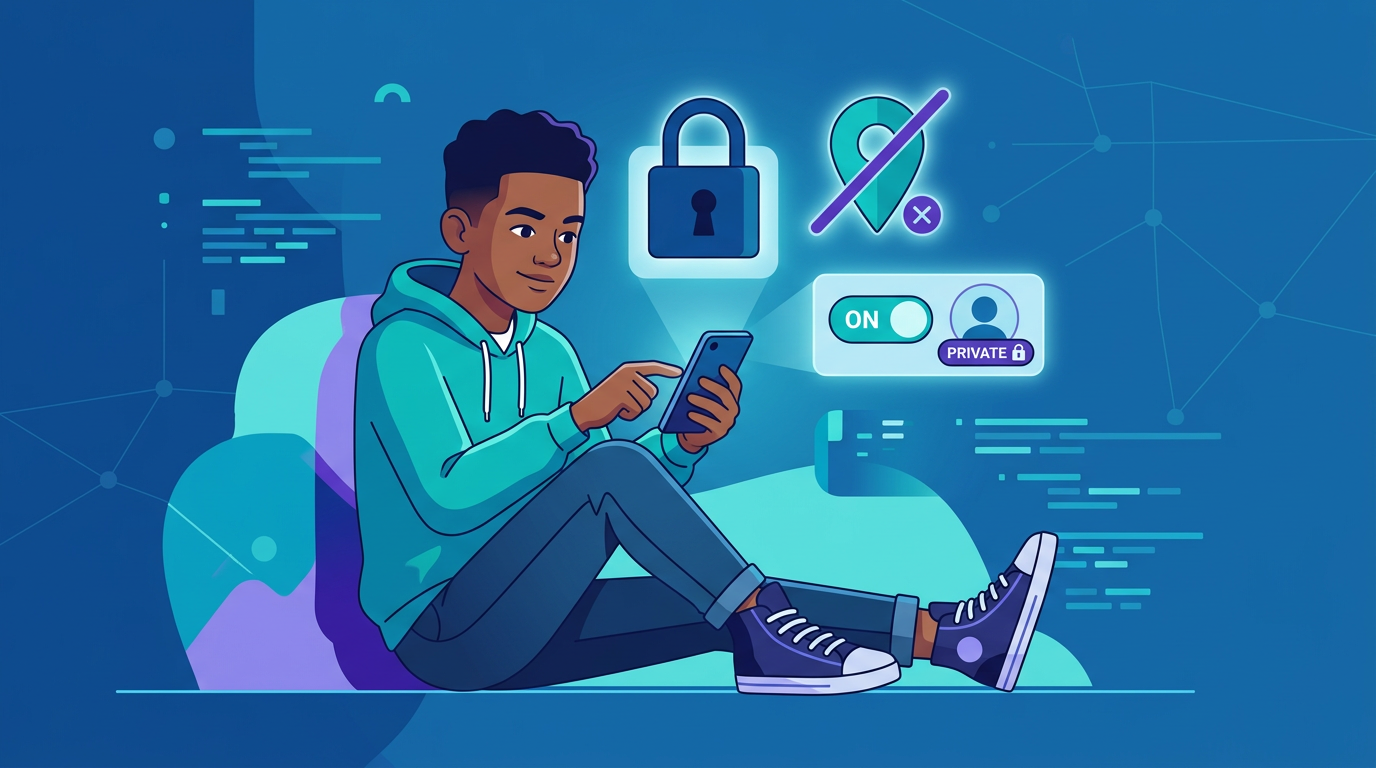
- Switch to a Private Account: Go to Settings > Privacy > Account Privacy and toggle on "Private Account." Only approved followers will see posts and stories.
- Restrict Messages: Under Settings > Privacy > Messages, limit who can send direct messages to "People you follow" or "No one."
- Hide Activity Status: Turn off "Show Activity Status" so others cannot see when your child is online.
- Limit Story Sharing: Under Story settings, disable "Allow Sharing" to prevent stories from being forwarded.
- Review Tagged Photos: Enable manual approval for any photo your child is tagged in before it appears on their profile.
TikTok
- Set Account to Private: Go to Settings > Privacy and toggle on "Private Account." Only approved followers can view videos.
- Restrict Comments: Limit comments to "Friends" or turn them off entirely.
- Disable Direct Messages: For accounts belonging to users under 16, TikTok disables DMs by default. For older teens, go to Privacy > Direct Messages and restrict to "No one" or "Friends."
- Turn Off Suggest Account to Others: Under Privacy, disable "Suggest your account to others" to reduce discoverability.
- Disable Downloads: Prevent others from downloading your child's videos by turning off "Allow downloads."
Snapchat
- Limit Contact: Go to Settings > Privacy Controls > Contact Me and set to "My Friends" instead of "Everyone."
- Disable Snap Map Visibility: Open Snap Map, tap the settings gear, and enable "Ghost Mode" so your child's location is hidden from all friends.
- Restrict Story Viewing: Under "View My Story," select "My Friends Only" or create a custom list.
- Block Quick Add: Turn off "Show Me in Quick Add" to prevent strangers from finding and adding your child.
YouTube
- Use Supervised Accounts: For children under 13, set up a supervised Google account that limits content exposure and disables comments, live chat, and certain search features.
- Disable Search and Watch History: Under Settings > History & Privacy, pause both to reduce algorithmic targeting.
- Set Content Restrictions: Enable Restricted Mode to filter out potentially mature content.
Discord
- Enable Privacy Settings: Go to User Settings > Privacy & Safety and set "Who can send you friend requests" to "Friends of Friends" or "Server Members" only.
- Filter DMs: Turn on "Keep me safe" to automatically scan and filter direct messages with explicit content.
- Disable Server Discovery: Ensure your child is not joining public servers with open access to strangers.
What Kids Should Never Share Online
Even with strong privacy settings, the information your child voluntarily posts matters. Establish clear ground rules about what should never be shared on any platform:
- Full name and date of birth. These are building blocks for identity theft and social engineering.
- Home address, school name, or workplace. This information makes it easy for someone to find your child in real life.
- Phone number or email address. Sharing these opens the door to unsolicited contact, phishing, and harassment.
- Real-time location. Posting "at the mall right now" or using location tags tells everyone exactly where your child is.
- Photos with identifying details. School uniforms, house numbers, license plates, or landmarks in the background can reveal location even when it is not explicitly shared.
- Passwords or personal security answers. This seems obvious, but social media trends and quizzes (like "your celebrity name is your pet's name plus your street name") are designed to harvest common security question answers. See our guide on teaching kids about strong passwords and online safety for habits that hold up.
Building an Ongoing Privacy Conversation
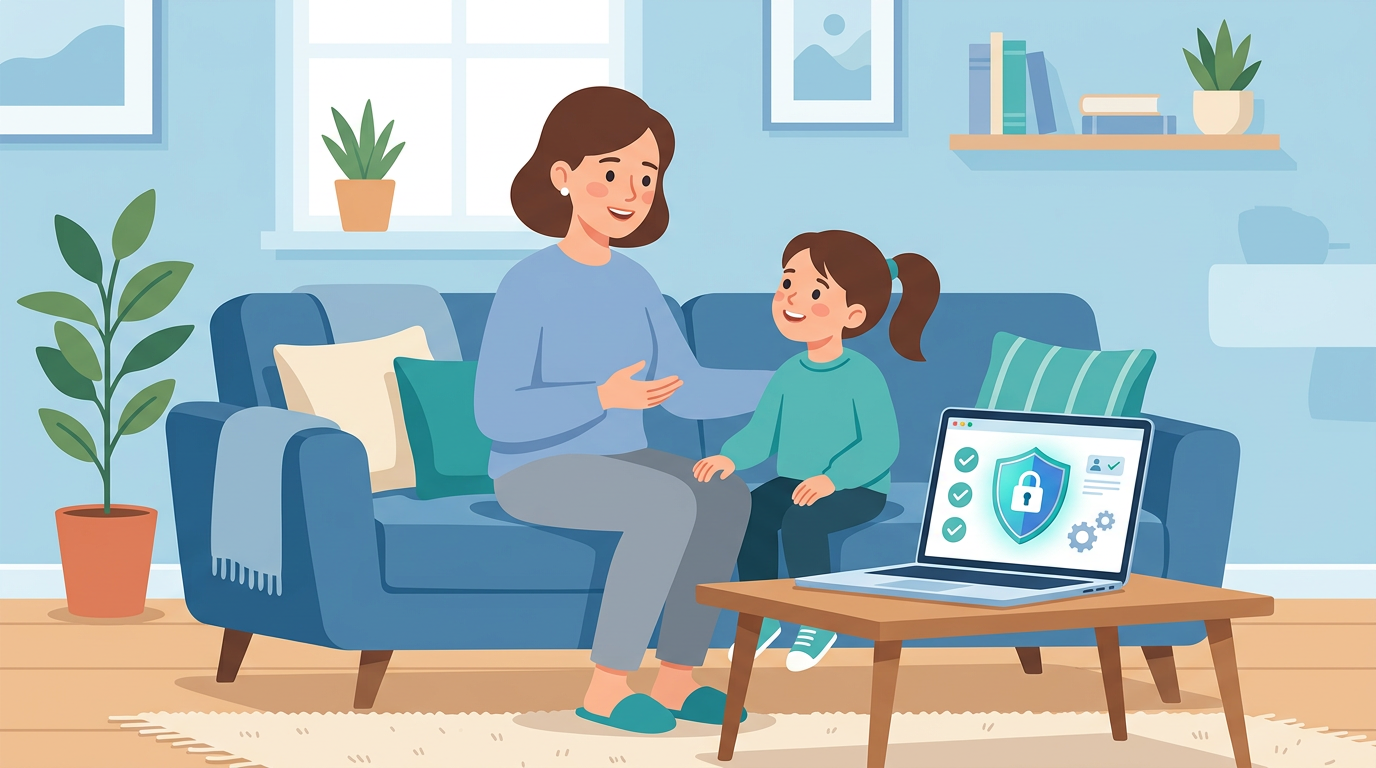
Configuring settings once is a good start, but it is not enough. Apps update, new platforms emerge, and children's social circles change. Privacy needs to be a recurring conversation, not a one-time setup. For age-appropriate ways to start that talk, see our conversation starters for online safety.
Make It Collaborative, Not Controlling
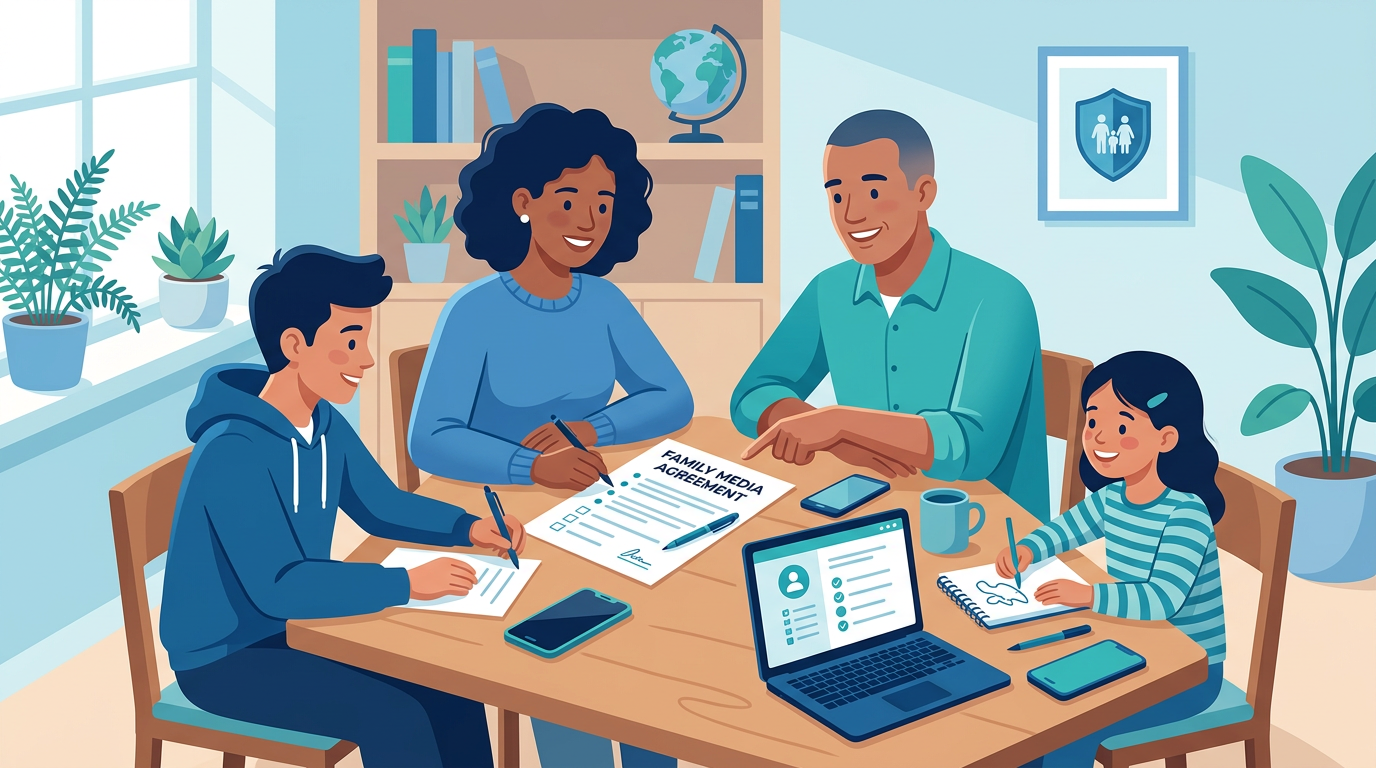
Frame privacy conversations as empowerment rather than restriction. Instead of "I'm locking down your account," try "Let's make sure you're in control of who sees your stuff." When kids feel ownership over their privacy, they are more likely to maintain it.
Do Regular Privacy Check-Ups
Set a recurring reminder -- once a quarter works well -- to sit down with your child and review their accounts together. Look at:
- Who is on their friends or followers list (do they know everyone personally?)
- What privacy settings may have changed after an app update
- Whether any new apps or platforms have been downloaded
- What information is visible on their profile
Teach Critical Thinking About Sharing
Help your child develop an instinct for evaluating what to post. A simple mental checklist works well:
- Would I be comfortable if my teacher, coach, or grandparent saw this?
- Does this reveal anything about where I am or where I go regularly?
- Could this be used against me or taken out of context?
- Am I sharing this because I want to, or because I feel pressured to?
Acknowledge the Trade-Offs
Be honest with your child that privacy settings involve trade-offs. A private account means fewer followers and less visibility, which can feel like a sacrifice for a teen who values their online presence. Acknowledging this openly -- rather than dismissing it -- builds trust and makes your child more receptive to your guidance.
Privacy Is an Investment in Safety
Privacy settings are not a silver bullet, but they are one of the most powerful and underused tools in a parent's digital safety toolkit. They reduce your child's exposure to strangers, limit the personal information available to bad actors, and give your family meaningful control over your child's online presence.
Combined with open communication, regular check-ins, and privacy-first monitoring that flags concerning activity without reading your child's everyday conversations, strong privacy practices create a layered defense that keeps kids safer without cutting them off from the digital world they live in.
The few minutes it takes to configure these settings today could prevent a serious problem tomorrow. And the ongoing conversations about privacy will give your child skills and instincts they will carry with them for the rest of their digital lives.