Your Privacy Is Yours to Define
Social media is a huge part of how you express yourself, stay connected, and experience the world. But every time you post, comment, share your location, or fill out a profile, you're making decisions about your privacy -- even if it doesn't feel that way.
Privacy isn't about hiding or being secretive. It's about choosing what parts of your life you share, who you share them with, and understanding what happens to that information once it's out there. That power belongs to you, and knowing how to use it is one of the most important digital skills you can have.
Public vs. Private: What's the Difference Online?
Most social media platforms give you two main options for your account: public or private. The difference matters more than you might think.
Public Accounts
- Anyone can see your posts, photos, and profile info
- Your content can be screenshotted, shared, and indexed by search engines
- Strangers can find you through hashtags, location tags, or mutual followers
Private Accounts
- Only approved followers can see your content
- You control who gets access
- Your posts won't show up in public searches
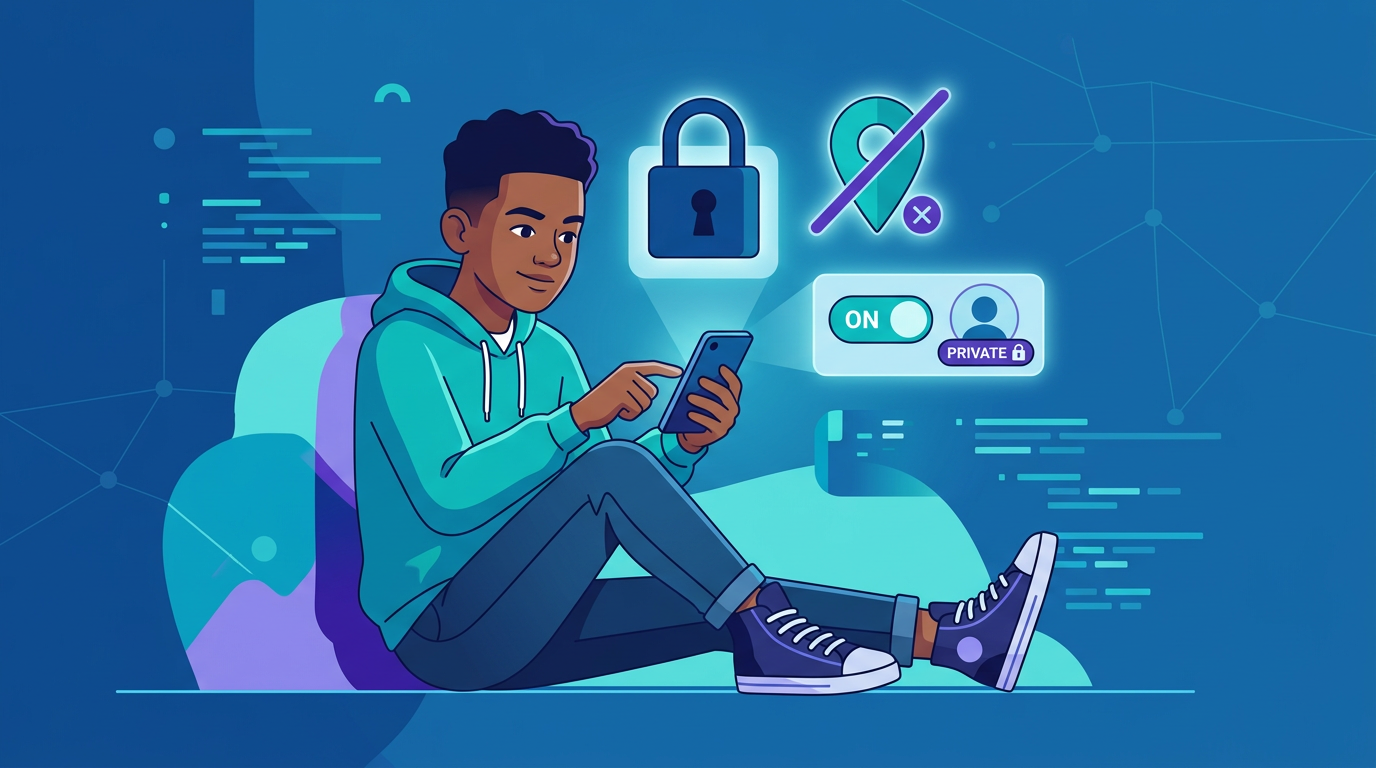
A private account doesn't make you invisible, but it gives you a meaningful layer of control. If you don't have a specific reason to be public (like building a brand or portfolio), private is the safer default.
What to Think About Before You Post
Here's a quick mental checklist to run through before you hit share:
- Would I be okay with my school seeing this? College admissions officers and future employers regularly search social media. What's funny in your friend group might look very different in a professional context.
- Would I be okay if this went viral? Even on a private account, someone can screenshot your post and share it. If it would bother you for the whole internet to see it, reconsider posting it.
- Am I sharing someone else's information? Tagging a friend's location, reposting their photos, or sharing their personal stories without permission is a privacy violation -- even if you didn't mean it that way.
- Is there personal information in this? Check the background of photos for visible addresses, school names, license plates, or other identifiable details.
Location Sharing: More Risky Than You Think
Location features are built into almost every app, and they can reveal a lot more than you intend.
How Location Gets Shared
- Geotagged posts on Instagram, Snapchat, and other platforms can show exactly where a photo was taken
- Snap Map and similar features broadcast your real-time location to friends (or everyone, depending on your settings)
- Check-ins and location tags create a public record of where you spend your time
- Photo metadata can contain GPS coordinates even if you don't add a location tag manually
Why This Matters
When someone can see where you are in real time, or piece together your routine from your posts, they have information that could be used to find you in person. This isn't hypothetical -- it happens.
What to Do
- Turn off location services for social media apps in your phone's settings
- Avoid tagging your home, school, or regular hangout spots
- Use Snap Map in Ghost Mode or disable it entirely
- If you want to share a cool location, post about it after you've left -- not while you're still there
The Permanence Problem
Here's something that's easy to forget: the internet has a long memory. Even if you delete a post, someone might have already screenshotted it, cached it, or archived it. Content you shared years ago can resurface in unexpected ways.
This doesn't mean you need to live in fear of every post. It means being intentional about what you put out there. Think of your social media presence as something you're building over time. Every post adds to the picture that the world sees of you.
The "Future You" Test
Before posting something you're unsure about, ask yourself: "Would the version of me three years from now be glad this exists?" If the answer is no or maybe, save it to your camera roll instead.
Managing Your Digital Footprint
Your digital footprint is the trail of data you leave behind online -- every account you've created, every post you've made, every app you've signed up for. Here's how to keep it under control.
Audit Your Existing Accounts
- Search your own name on Google and see what comes up
- Review old posts on platforms you don't use much anymore
- Delete or archive content that no longer represents you
- Deactivate accounts on platforms you've stopped using
Tighten Your Settings
Every platform has privacy settings, and most of them default to sharing more than you'd probably choose. Take 15 minutes to go through each app:
- Instagram: Switch to private, limit who can message you, turn off activity status
- TikTok: Set account to private, disable "Suggest your account to others," restrict who can comment and duet
- Snapchat: Use Ghost Mode on Snap Map, limit who can contact you, review My AI settings
- Discord: Disable DMs from server members you don't know, review connected accounts
- X (Twitter): Protect your tweets if you want a private experience, disable location tagging
Be Selective with App Permissions
When an app asks for access to your contacts, camera, microphone, or location, ask yourself if it actually needs that access to function. A photo editing app doesn't need your contacts. A game doesn't need your location. Deny permissions you're not comfortable with -- you can always grant them later if needed.
Sharing vs. Oversharing
There's nothing wrong with posting online. Social media is meant to be social. The goal isn't to disappear -- it's to be thoughtful about the line between sharing and oversharing.
Sharing: A photo from a concert you went to, a funny observation, a project you're proud of, supporting a cause you care about.
Oversharing: Your home address in a photo background, a rant about a specific person by name, your daily schedule and location, personal documents or IDs.
The difference usually comes down to whether the information could be used to identify, locate, or harm you. If it could, keep it off the internet.
The Bottom Line
Your privacy isn't something you either have or don't -- it's something you actively manage. The choices you make today about what you post, who can see it, and what data you share with apps will shape your digital presence for years to come.
You don't have to be paranoid. You just have to be intentional. Take control of your settings, think before you post, and remember that your online life is yours to curate. Make it something you're proud of.